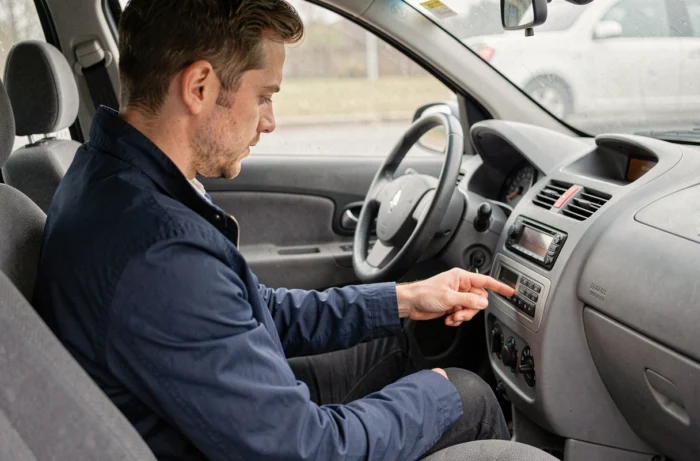
The Renault Clio 3, produced over a long period, features very different multimedia systems depending on the versions and trims. Some come with Bluetooth integrated into the original radio, while others simply do not have this feature. This distinction affects the entire connection process, and this is often where difficulties begin for owners.
Identify the multimedia system of your Clio 3 before any manipulation
Before looking for a Bluetooth menu, the first step is to determine which radio is installed in the vehicle. On the Clio 3, several radios coexisted: basic radios without connectivity, models with native Bluetooth, and R-Link type systems on the most recent or high-end versions.
The difference is visible on the screen. A radio without Bluetooth will not display any “Phone” menu or connectivity icon. If the screen offers access to phone settings, the module is present. Otherwise, no software manipulation can activate a Bluetooth that is absent from the hardware.
For owners who wish to connect Bluetooth on Renault Clio 3 when their radio does not have this function, they will need to use an external adapter or replace the unit.
Bluetooth pairing Clio 3: procedure from the radio
When Bluetooth is integrated, pairing follows a logic specific to Renault systems of this generation. There are two paths, and the choice depends on what is displayed on the vehicle’s screen.
Start the search from the vehicle
The most reliable method is to initiate pairing from the radio. Access the main menu, then select “Phone” or “Settings.” The system will then offer to search for nearby Bluetooth devices.
- Activate Bluetooth on your smartphone and set it to “visible” or “discoverable” in the connection settings.
- From the radio screen, start the search for devices. Your phone’s name should appear in the list after a few seconds.
- Select your phone. A code will then be displayed on the vehicle’s screen: this code must be confirmed or entered on the smartphone to validate the pairing.
- Once the connection is established, the system remembers the device. Subsequent connections will be automatic.
A point often overlooked: the vehicle itself must be made visible from the radio menu. Some owners look for their Clio in the list of devices detected by the phone without having activated this option on the car side, making detection impossible.
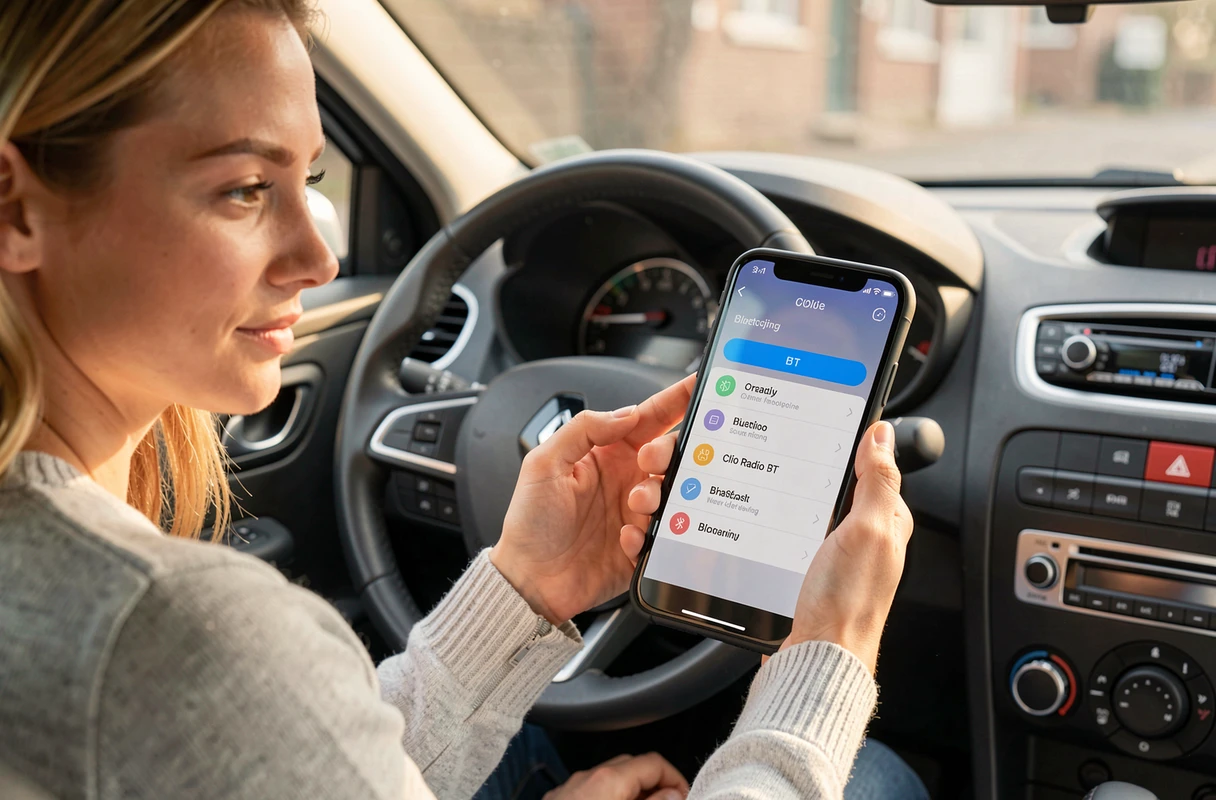
Start the search from the phone
The second method reverses the process. From the Bluetooth settings of the smartphone, initiate a search. The Clio 3 system should appear under a generic name (often “RENAULT” or the name of the radio model).
Select it, then confirm the code displayed on both sides. This approach works well on recent Android phones. However, some iPhone models may encounter detection issues with the older Bluetooth modules of the Clio 3.
Bluetooth code Clio 3: why validation sometimes fails
The most common blockage occurs at the pairing code stage. Depending on the version of the multimedia system and the phone model, the validation procedure differs.
On some configurations, a four or six-digit code appears simultaneously on the vehicle’s screen and on the phone. It is then sufficient to confirm that the two codes match. On others, the code displayed by the car must be entered manually on the smartphone, which can confuse users accustomed to a simple visual confirmation.
If the connection fails repeatedly, several avenues deserve verification:
- Delete old pairings saved in the radio. The memory of some Renault systems is limited to a few devices, and a full register prevents any new pairing.
- Restart the Bluetooth on the phone and that of the vehicle (turn off the ignition and then turn it back on).
- Check the compatibility of your smartphone with the system. Renault provided a list of compatible devices on the site easyconnect.renault.com, which remains a useful reference even if the vehicle is no longer recent.
Clio 3 without original Bluetooth: adaptation solutions
A significant portion of Clio 3s on the road do not have any Bluetooth module. For these versions, the only way is to add external equipment.
The most common solution relies on a Bluetooth auxiliary adapter that plugs into the jack or the rear connector of the radio. These cables, available at modest prices, turn the auxiliary input into a Bluetooth receiver. The phone then connects to the adapter like any wireless speaker.
For this option to work, the auxiliary input must first be activated in the radio settings. On some UpdateList radios of the Clio 3, this input is disabled by default. Activation is usually done by long-pressing a button on the unit or through a specific combination described in the vehicle manual.
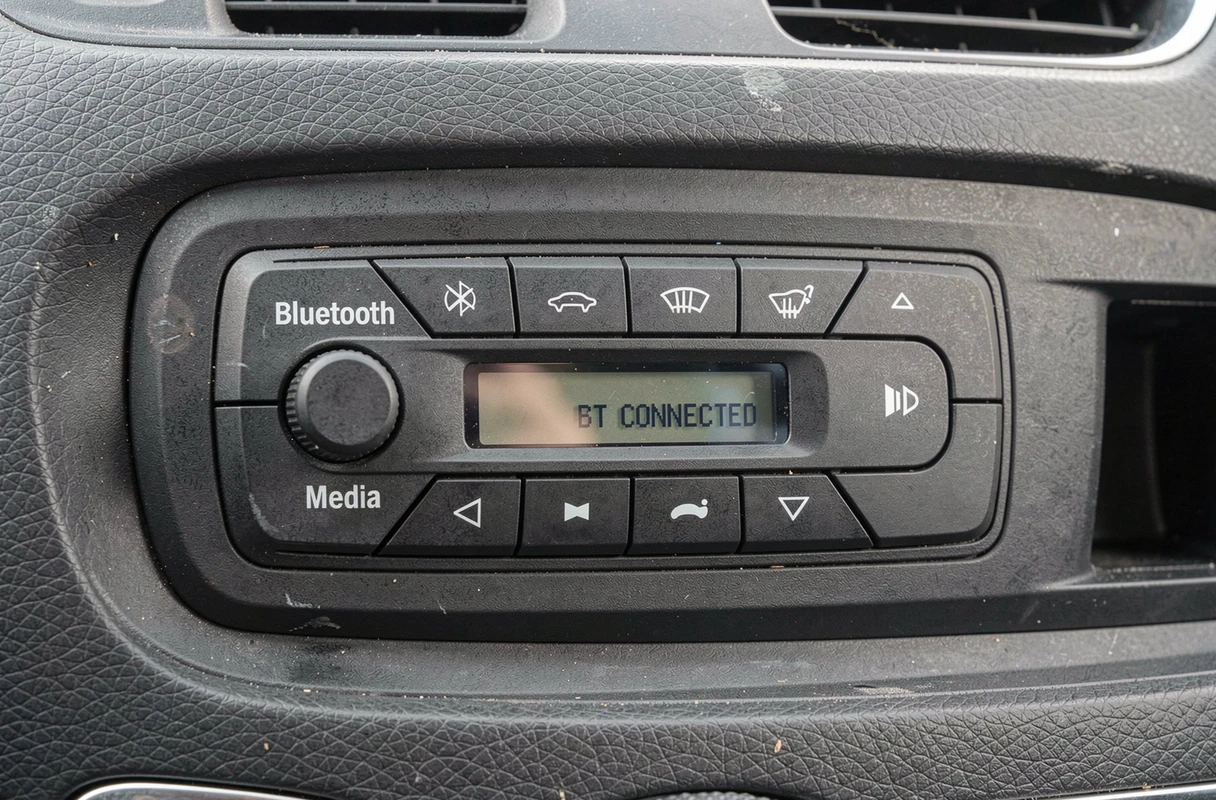
Completely replacing the radio with a Bluetooth-compatible unit is another option. This option offers more features (audio streaming, contact management, voice commands) but involves a higher cost and sometimes requires adapting the wiring harness.
An auxiliary Bluetooth adapter remains the best compromise between cost and functionality for a Clio 3 lacking original connectivity. Replacing the unit is mainly justified if the current radio has other malfunctions.
Whichever path is chosen, the manipulation remains accessible without any particular technical skills. The main difficulty is not the procedure itself, but knowing precisely what equipment is installed in the car before starting.